


Airbrushing is not the only way to achieve beautiful heat discoloration on your custom builds. You can create a stunning burnt metal effect using just metallic markers and a flat brush. We recently demonstrated this exact process on a large Sazabi thruster in our new video tutorial, proving you can get high tier results with minimal equipment.
Watch the Full Tutorial
The Tools Required Having the right pigmentation and brush control makes this technique work. Everything used in this tutorial is available directly in our shop.
- metal markers
- a high quality flat tip brush
- Absorbent paper towels
- Alligator clips for holding the parts
- Gloss or flat topcoat
Step 1: The Metallic Base Secure your thruster with a clamp to avoid touching the paint. Apply the steel marker over the entire surface, including the edges and slightly inside the rim. Ray Studio markers level themselves perfectly without leaving streak marks. Let this base layer dry completely before moving forward.
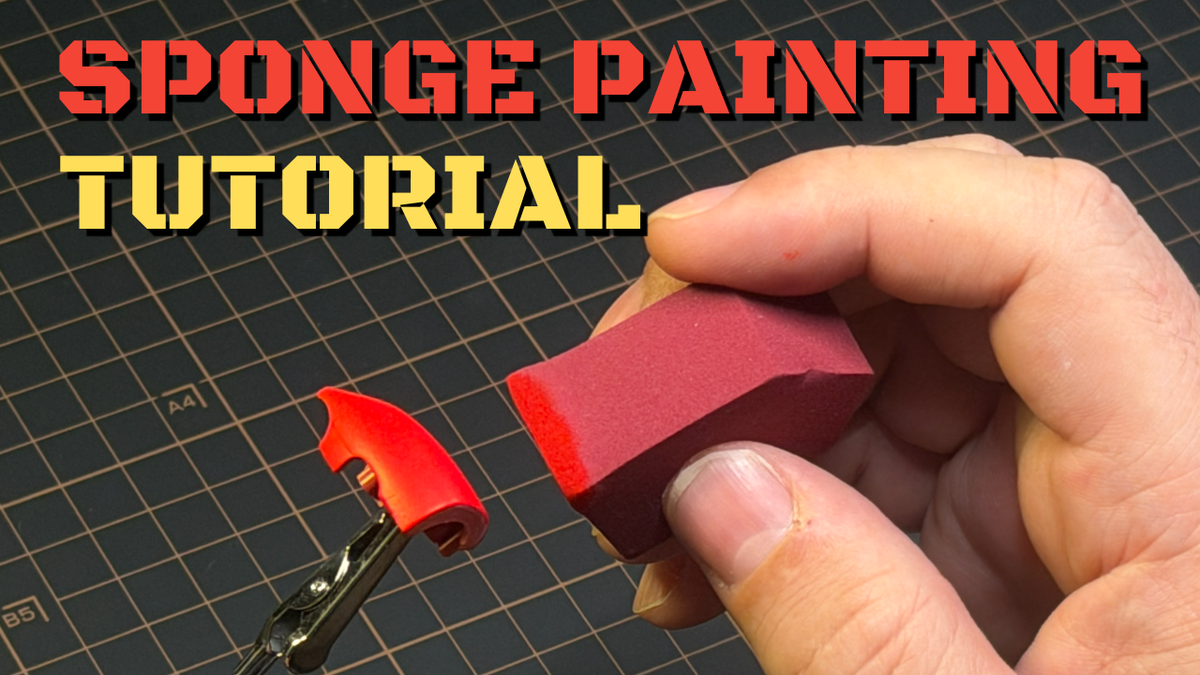
Step 2: The Dry Brush Technique The secret to this heat gradation is dry brushing. Shake the yellow marker and pour a single drop into a small container. Dip the sides of your flat brush into the paint, then wipe almost all of it off on your paper towel. You only want a faint shadow of paint left on the bristles. Apply this to the bottom section of the thruster, leaving some steel exposed at the very base.
Step 3: Building the Heat Clean your brush thoroughly between each color application. Repeat the dry brush process with the orange, blending it into the yellow. Follow this with the red, applying a slightly more intense layer as you move up the thruster. Remember that real heat distribution is irregular, so slight imperfections in your blending will actually make the final result look more realistic.
Step 4: The Purple Warning The metal purple marker is heavily pigmented and requires extra care. It is very easy to leave too much paint on your brush, which will cause harsh streaks that are difficult to fix. Remove the excess paint exceptionally well, focusing on the tip of the brush. Apply the purple from the top down to blend it safely into the red.
Step 5: Finishing the Burn Apply the blue marker to the upper section of the thruster, blending it down into the purple. Finally, use the light blue to highlight the very top rim and the edge of the thruster to represent the hottest point of the metal.
The Spoon Practice Method Before trying this on your actual kit, grab a few plastic spoons. Practice your dry brushing and color transitions on the spoons to understand how much paint to offload. This is the best way to build confidence and see exactly how the colors interact before committing to your model parts.
Sealing Your Work Once the paint is completely dry, you must protect it. You can finish the thruster with either a gloss topcoat for a shiny metallic look or a flat topcoat for a more realistic matte finish. We carry both options in the store, and the choice simply comes down to your personal aesthetic preference.

Leave a comment
All comments are moderated before being published.
This site is protected by hCaptcha and the hCaptcha Privacy Policy and Terms of Service apply.